Appearance
Authentification
To create an API key in Trader go to 'Administrēšana' -> 'API', here you can see already created keys and make a new one. To make a new one click on the plus and you'll be shown this form:
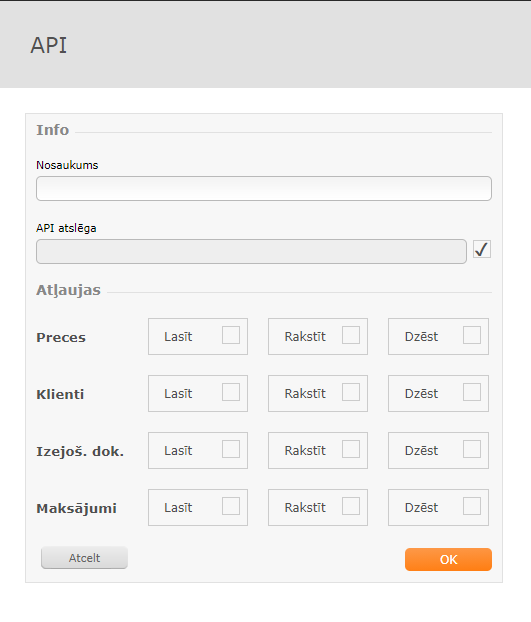
Here you can choose what permissions the key will have and whether it is active or not.
To use the key you need to pass it as field named token.
TIP
Examplehttps://<yourdomain>/api/goods?token=xxxxxx